OAS Lunch & Learn Video Library
Click the Thumbnails Below to View or Download Each Video
Enter Key Words to Search the Video Library (Ex. Customizations, Project Planning, Budgeting, Reporting):
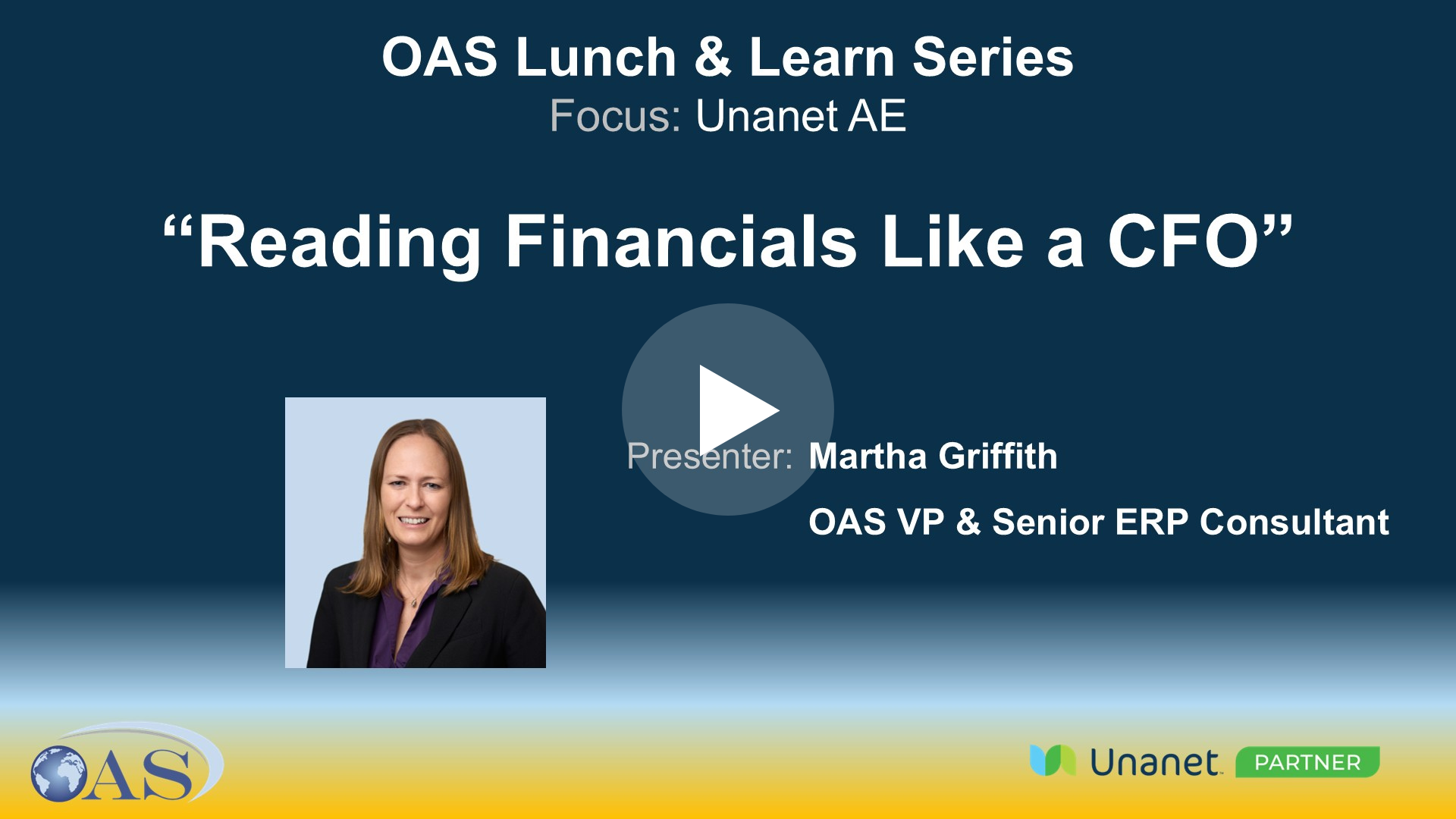
Reading Financials Like a CFO
This Lunch & Learn, presented by Martha Griffith, focused on how CFOs analyze financial statements to identify trends and better understand a firm’s financial health.
Martha demonstrated Unanet tools for customizing financial reports, including income statements and cash flow statements, and shared practical tips for improving financial reporting and system use.
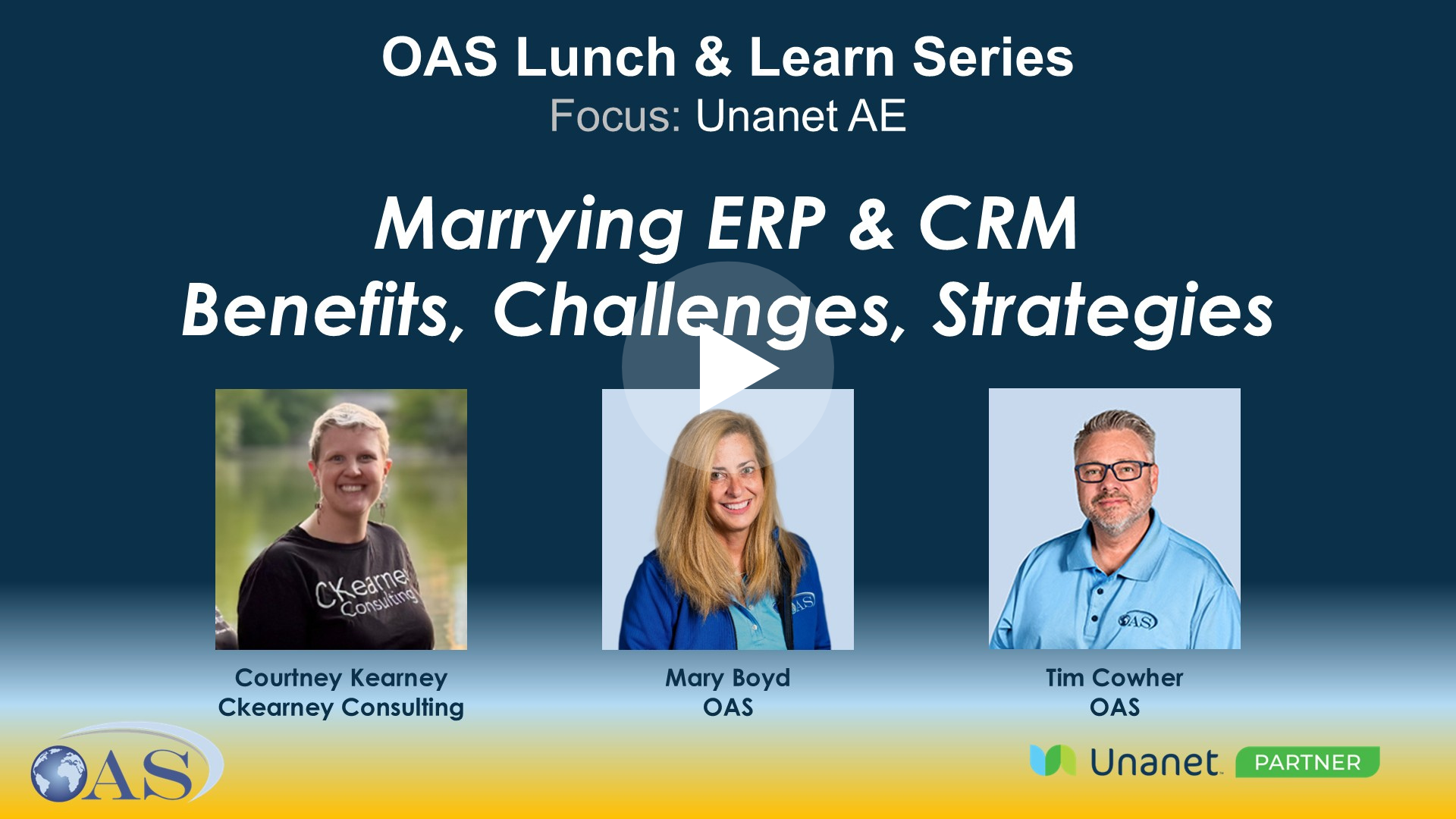
Marrying ERP & CRM - Benefits, Challenges, Strategies
Learn why connecting your CRM and ERP is critical for AEC firms.
Courtney Kearney of CKearney Consulting, Mary Boyd, and Tim Cowher of OAS discuss how an integrated system improves collaboration, eliminates duplicate data entry, enhances forecasting, and provides a single source of truth to help firms win more work and deliver more profitable projects.

Simple Customizations that Make a Big Impact: UDFs & Formulas
Paul Natalizio presented an overview of user-defined fields (UDFs) and user-defined tables (UDTs) in Unanet AE, highlighting customization capabilities such as creating and managing UDFs, using the Layout Manager for custom forms, and implementing user-defined lists and tables. He also shared practical use cases, including tracking contact information and educational data

Case Study: FSA - Empowering PM’s with Direct Entry & Analysis to Gain Efficiencies
Martha Griffith presented a case study on Frederick Seiber & Associates' use of Unanet AE for project management, highlighting their direct entry system and efficient project lifecycle process. The team discussed various aspects of project management processes, including opportunity tracking, dashboard customization, and timesheet approval methods, with different participants sharing their experiences and suggestions for improvement.
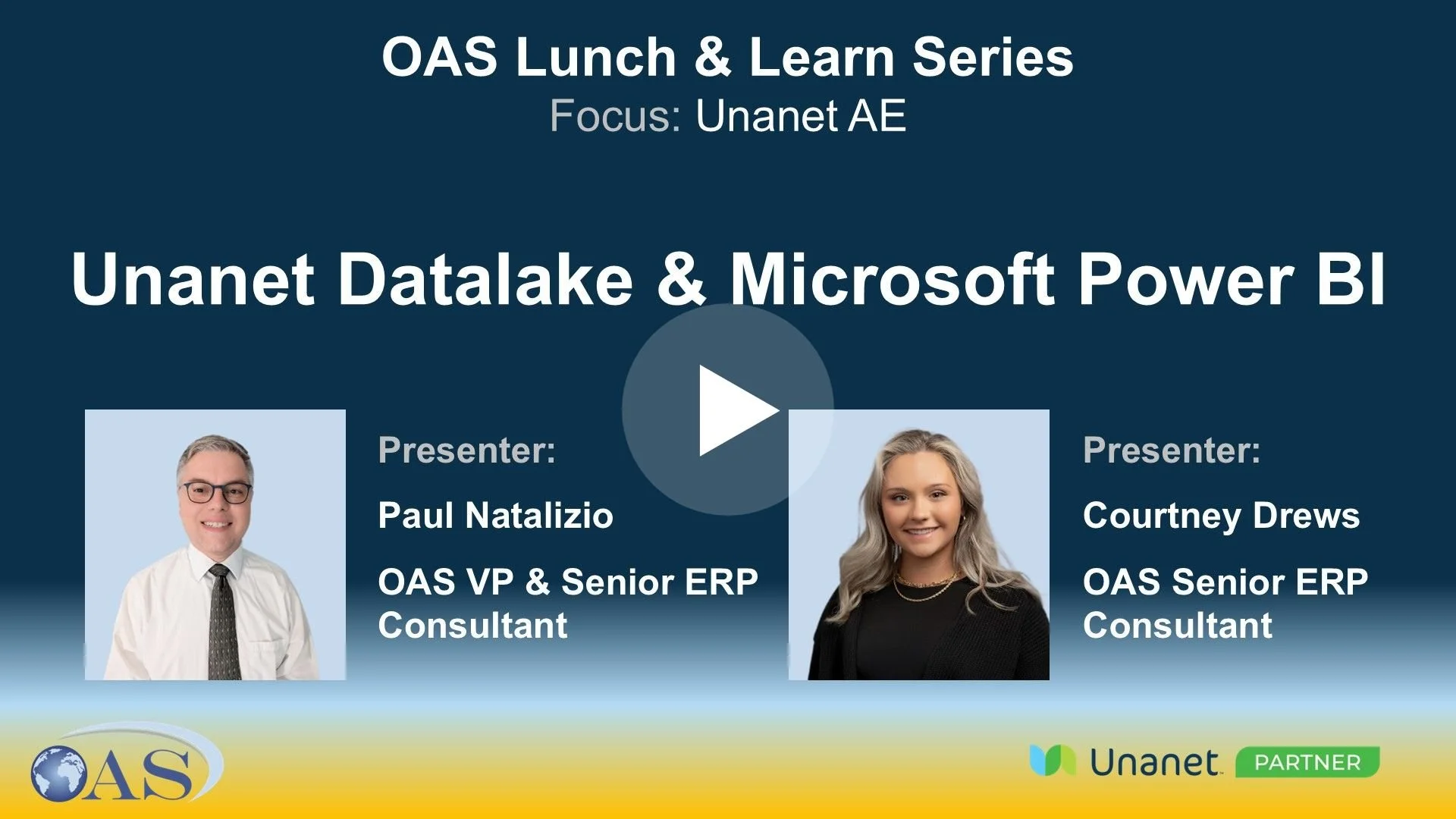
Unanet Datalake & Microsoft Power BI
Paul Natalizio and Courtney Drews presented on Unanet Data Lake and Power BI integration, explaining how the Data Lake provides real-time, read-only access to production data in Power BI. They demonstrated dashboarding and visualization capabilities and highlighted advantages over Unanet dashboards, including combining data sources and external sharing.
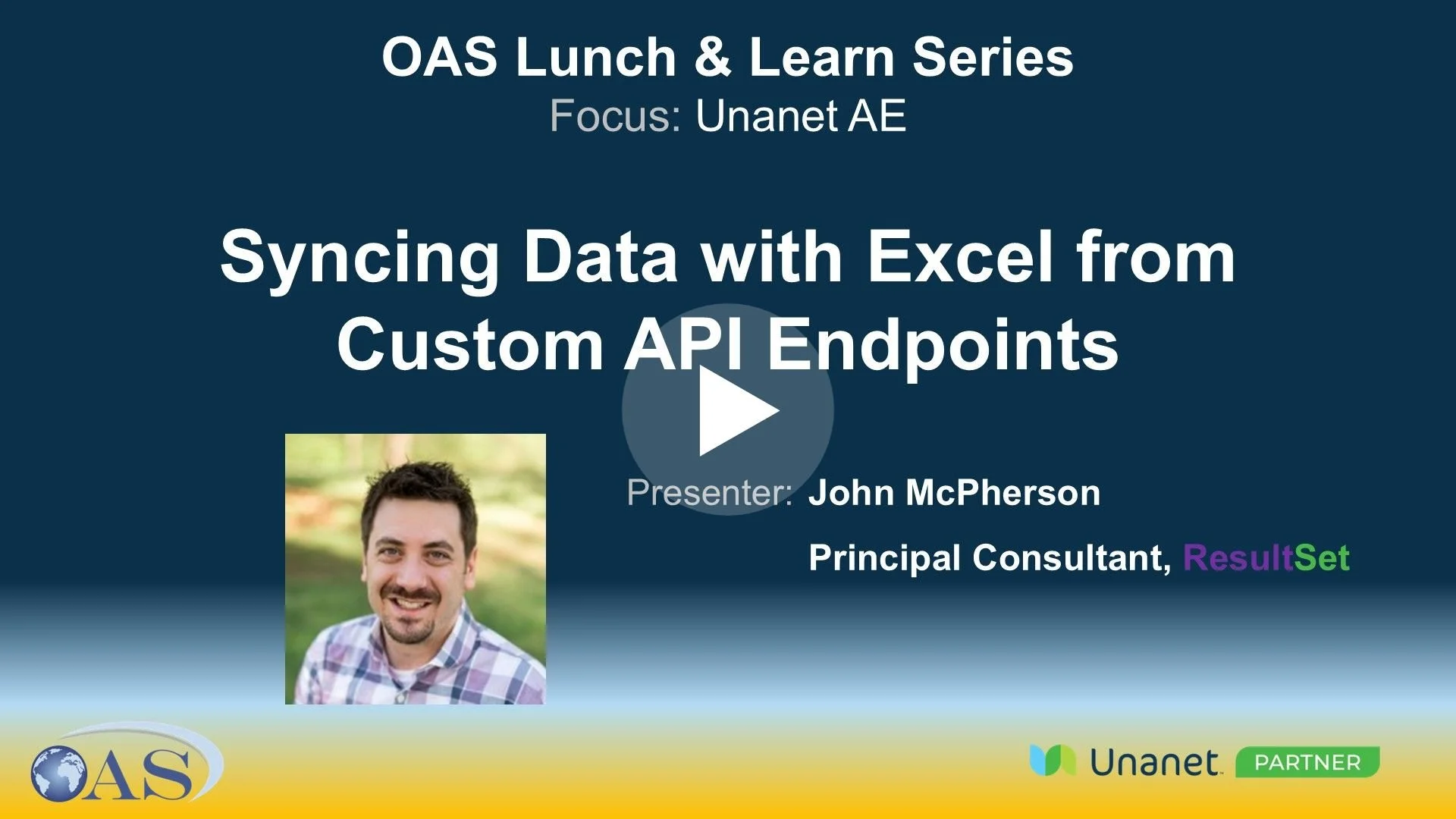
Syncing Data with Excel from Custom API Endpoints
John McPherson of ResultSet presented a session focused on extracting and manipulating data from Unanet AE into Excel using API endpoints. He walked through setting up API calls and authentication, demonstrated configuring and testing API calls in Excel using Power Query, and reviewed data transformation and refresh capabilities.