
OAS Lunch & Learn Video Library
Click the Thumbnails Below to View or Download Each Video
Enter Key Words to Search the Video Library (Ex. Customizations, Project Planning, Budgeting, Reporting):
Billing Backup - Automatically Adding Documents to Invoices in Unanet AE
In this Lunch & Learn, we will demonstrate how to include billing backup — such as subconsultant invoices and expense receipts — without manual effort. Improve accuracy, save time, and provide clients with the information they need to approve invoices more quickly.
Reading Financials Like a CFO
This Lunch & Learn, presented by Martha Griffith, focused on how CFOs analyze financial statements to identify trends and better understand a firm’s financial health.
Martha demonstrated Unanet tools for customizing financial reports, including income statements and cash flow statements, and shared practical tips for improving financial reporting and system use.
Mary’s Story - Opening Your Own Business
Hear from Mary Boyd, President and Founder of OAS, LLC, as she shares her journey of taking the leap into entrepreneurship and building a business dedicated to supporting AEC firms.
Mary discusses the experiences, challenges, and lessons that helped shape her path as a business owner and leader in the AEC industry.
Marrying ERP & CRM - Benefits, Challenges, Strategies
Learn why connecting your CRM and ERP is critical for AEC firms.
Courtney Kearney of CKearney Consulting, Mary Boyd, and Tim Cowher of OAS discuss how an integrated system improves collaboration, eliminates duplicate data entry, enhances forecasting, and provides a single source of truth to help firms win more work and deliver more profitable projects.
Benefit Accrual Set-up
Mary Boyd discusses how to configure and manage benefit accruals in Unanet AE, including PTO, vacation, sick leave, accrual schedules, time-off management, reporting, and best practices.
This Lunch & Learn also includes a live Q&A covering payroll integration, employee exceptions, dashboards, and common implementation questions.
Invoicing Process for Project Managers
Lynne Kloes shows how to use PM Bill Review in Unanet AE to streamline the invoicing process and improve collaboration between project managers and accounting.
This session covers reviewing labor and expenses, managing billing statuses, adding invoice comments, tracking fixed-fee projects, and ensuring invoices are accurate before they're sent to clients.
Project Central (Web-Version)
Courtney Drews covers how to use Project Central (web version) Metrics in Unanet AE to monitor project financial performance, track key KPIs, analyze project health, and gain real-time visibility into contracts, billing, revenue, and profitability.
Project Central (Desktop)
Courtney Drews shows us how to leverage Project Central (Desktop) in Unanet AE to manage project performance, review budgets, monitor billing, analyze labor, track profitability, and improve project oversight.
This training covers dashboards, bill review, scheduling, project analytics, custom filtering, and best practices for project management.
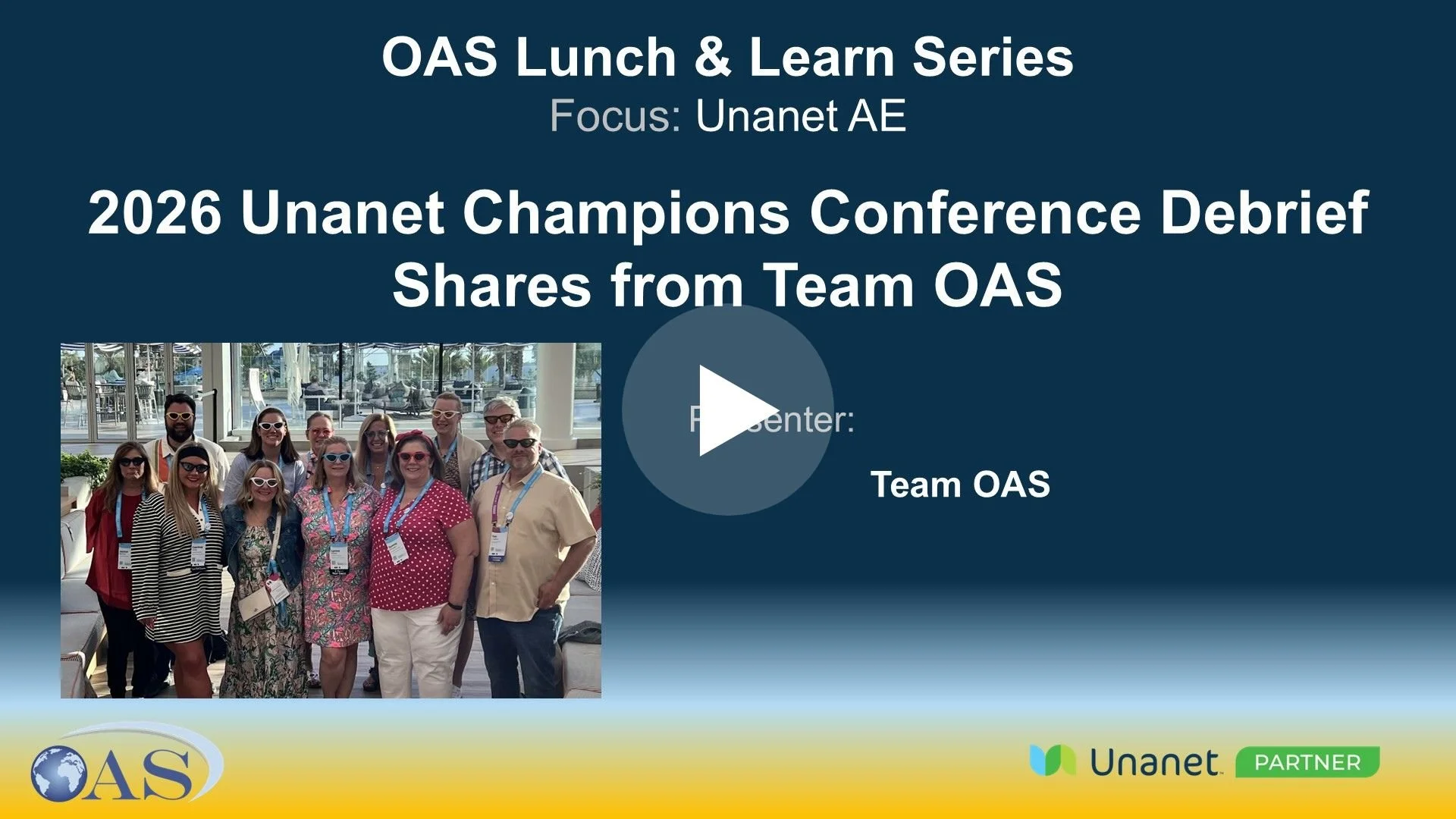
2026 Unanet Champions Debrief - Shares from Team OAS
Team OAS and attendees shared highlights from the , 2026 Champions Conference, including networking, educational sessions, and upcoming Unanet enhancements.
Topics included RevRec updates, bank feeds, CRM improvements, automations, analytics best practices, and the new Knowledge AI feature. Attendees also shared positive networking experiences and excitement for next year’s conference in Denver.
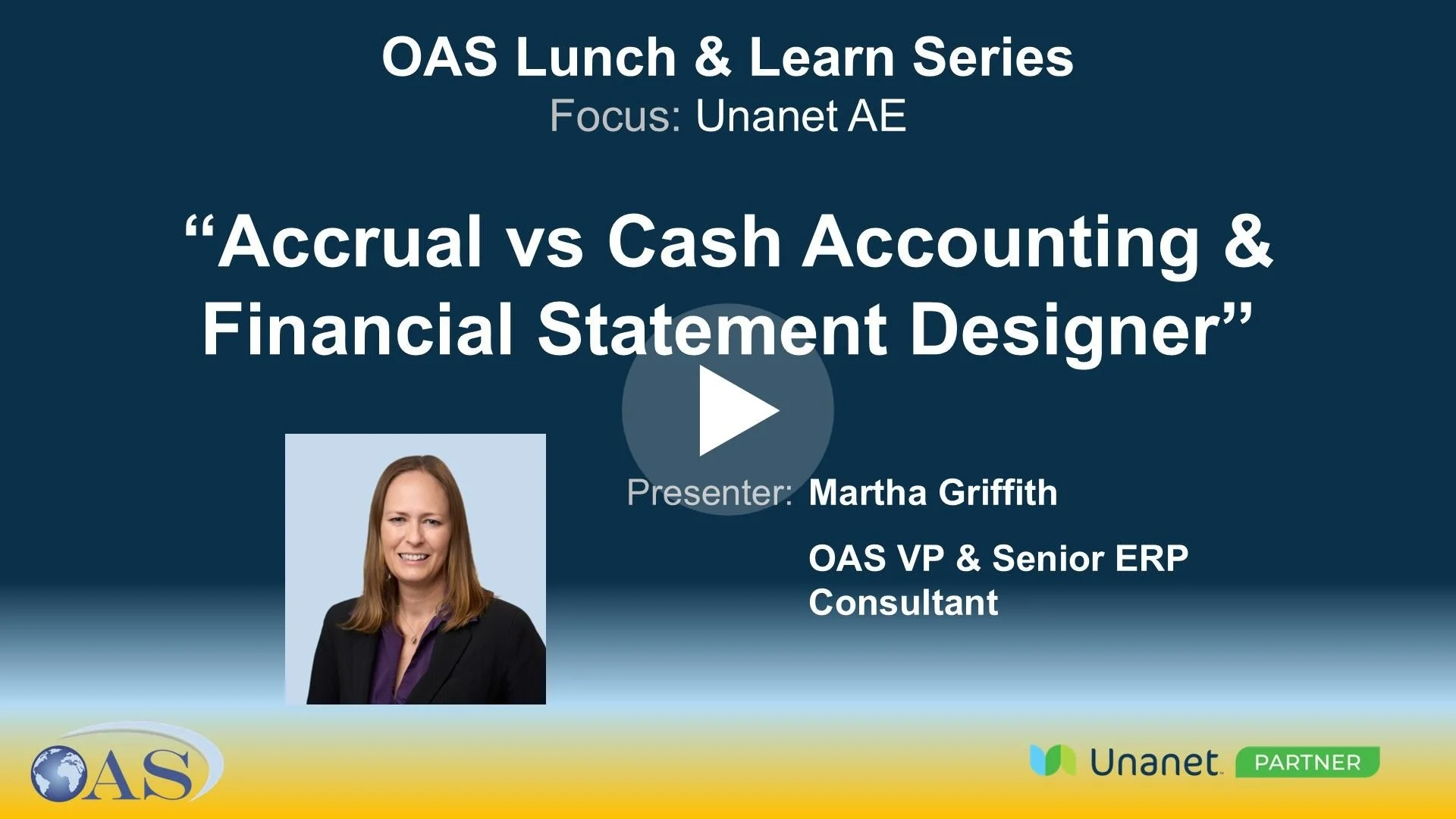
Accrual vs Cash Accounting & Financial Statement Designer
Martha covered accrual vs. cash accounting and how Unanet can convert to cash basis.
She then demonstrated Financial Statement Designer, including building custom reports, setting up columns and lines, using financial statement groups, and key features like summary vs. detail, multi-org, and year-over-year reporting.
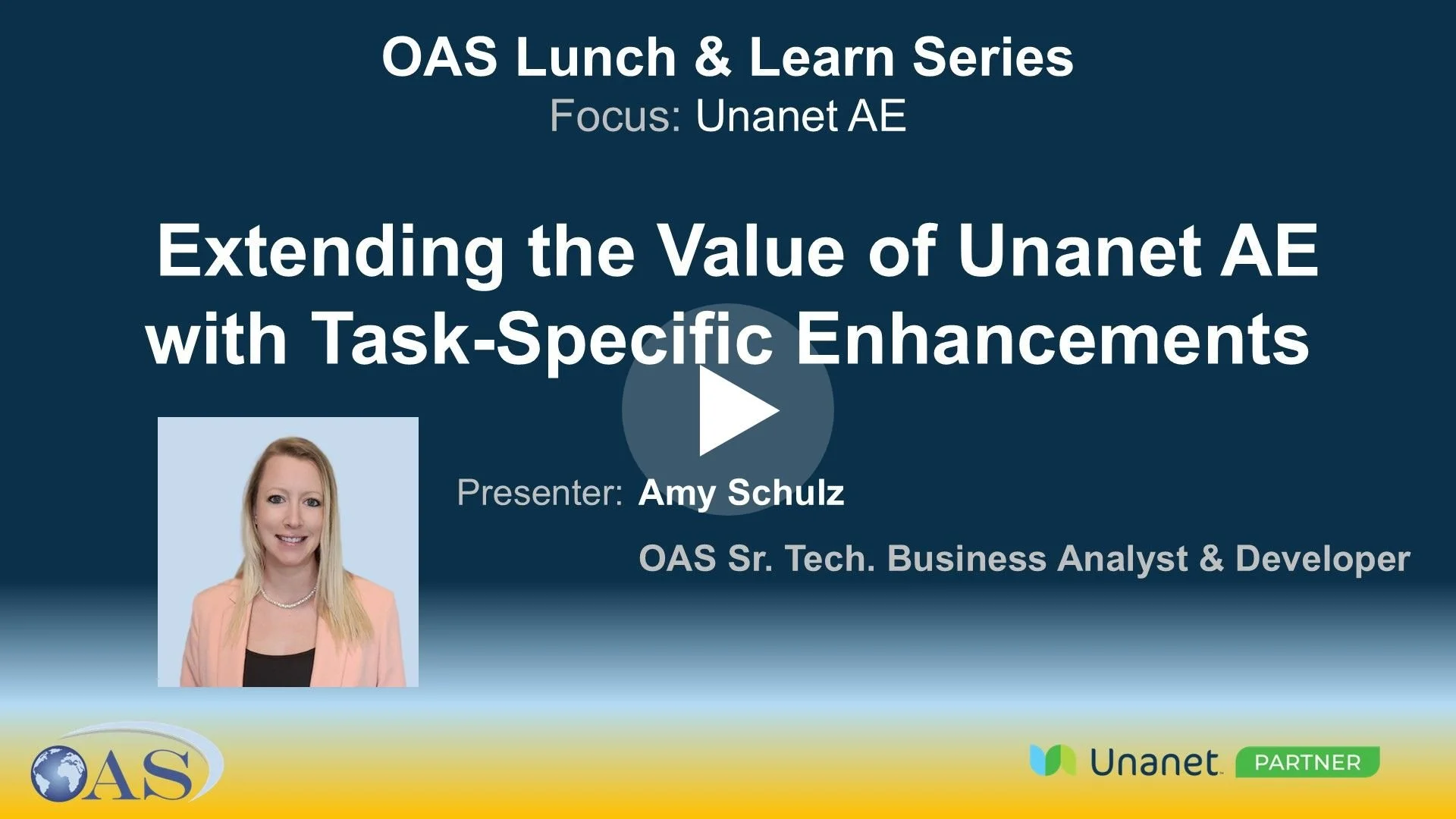
Extending the Value of Unanet AE with Task-Specific Enhancements
Amy Schulz presented how Unanet’s value can be extended through task-specific enhancements, highlighting how AI is expanding capabilities beyond traditional APIs.
She showcased customized, task-specific tools like project planning, dynamic invoicing, dashboards, and revenue forecasting, along with broader customization possibilities.
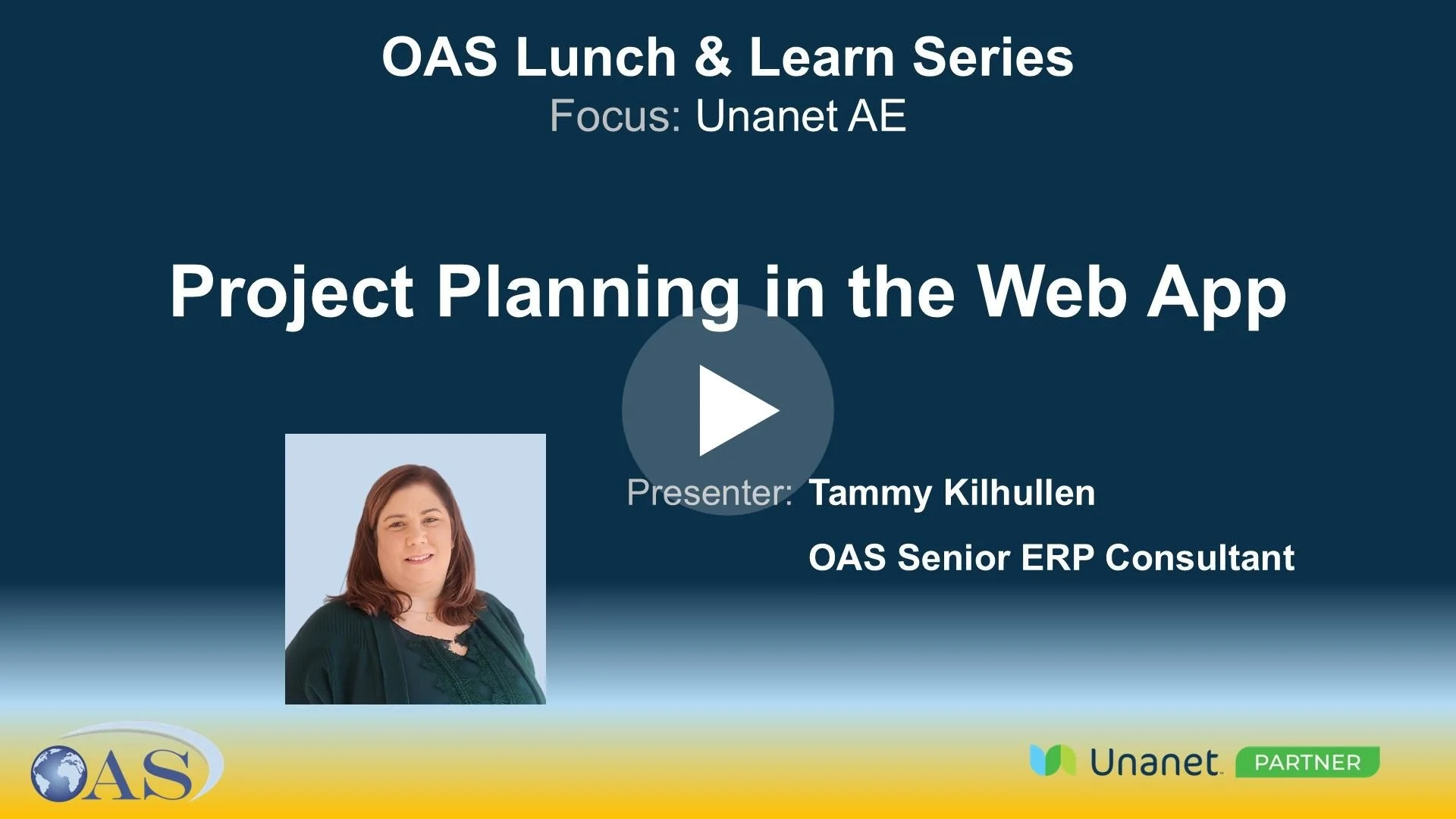
Project Planning in the Web App
Tammy Kilhullen presented an overview of project planning in the Unanet web app, covering project templates, Gantt charts, budgeting, resource allocation, and scheduling.
She also highlighted key differences between the web and desktop versions and shared insight on upcoming enhancements.
Projects 101
Jessica Gandy presented “Projects 101,” covering key project setup topics in Unanet, including changing fee types, managing allowable dates for time and expenses, using project and WBS templates, and setting up rate schedules and report types. Participants asked questions about converting unit rates to fixed fees and applying overhead and profit multipliers.

Simple Customizations that Make a Big Impact: UDFs & Formulas
Paul Natalizio presented an overview of user-defined fields (UDFs) and user-defined tables (UDTs) in Unanet AE, highlighting customization capabilities such as creating and managing UDFs, using the Layout Manager for custom forms, and implementing user-defined lists and tables. He also shared practical use cases, including tracking contact information and educational data
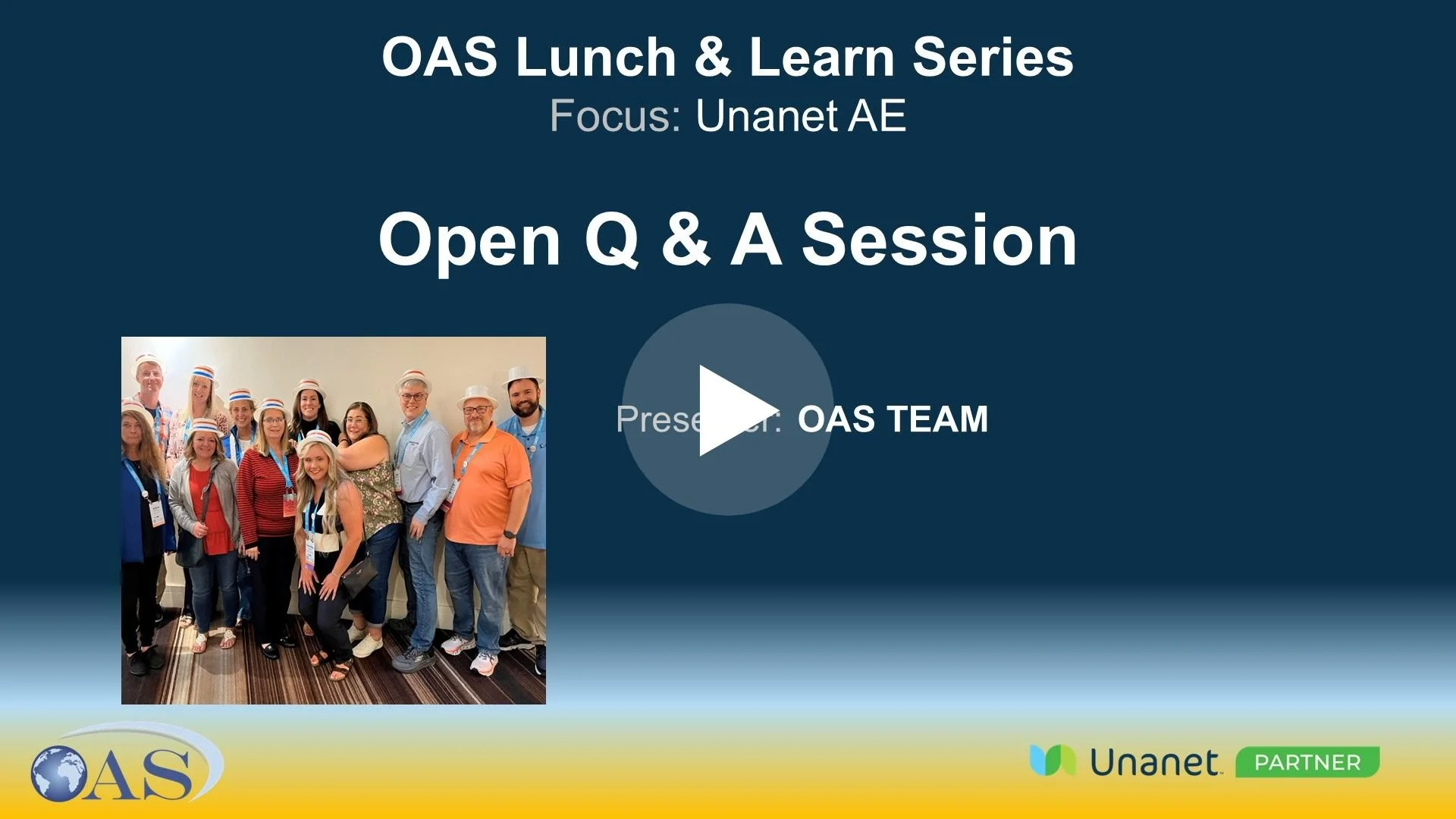
Open Q&A Session
Team OAS presented a discussion to plan 2026 Lunch & Learn topics, with Mary filling in for Tim. Topics included SV/EV tables in Unanet AE, project planning, automation (AP/AR, timesheets), AI features, PA bill review, and custom columns and formulas. The meeting concluded with a reminder about the Champions Conference and OAS’s 1099 processing services.
Case Study: FSA - Empowering PM’s with Direct Entry & Analysis to Gain Efficiencies
Martha Griffith presented a case study on Frederick Seiber & Associates' use of Unanet AE for project management, highlighting their direct entry system and efficient project lifecycle process. The team discussed various aspects of project management processes, including opportunity tracking, dashboard customization, and timesheet approval methods, with different participants sharing their experiences and suggestions for improvement.
New Dashboard Groups Release Functionality Overview
Janice Barton presented an overview of the new Unanet AE Dashboard Group release, highlighting the ability to assign employees to multiple dashboard groups and the updated assignment process. She also briefly covered dashboard group management, permissions & common troubleshooting tips.
Year End Close Processes
Tammy Kilhullen presented a session on end-of-year processes in Unanet AE, demonstrating updates to expense codes, bill rates, and mileage rates for the new fiscal year. She also reviewed key year-end tasks including 1099 processing, benefit accruals, trial balance dashboards, balance sheet reviews, depreciation checks, and discussed audit trails and billing processes.
General Ledger Budgets
Lynne Kloes presented on General Ledger Budgets in Unanet AE, demonstrating key financial management and reporting capabilities. She reviewed budget creation, dashboard customization, and data consolidation, and provided hands-on examples of financial reports and metrics.
Pay When Paid (PWP) Process
Jessica Gandy demonstrated the Pay When Paid (PWP) feature, reviewing setup requirements, invoice processing, and key reports, and emphasizing the importance of proper payment terms and consultant codes to ensure accurate billing and revenue tracking.